

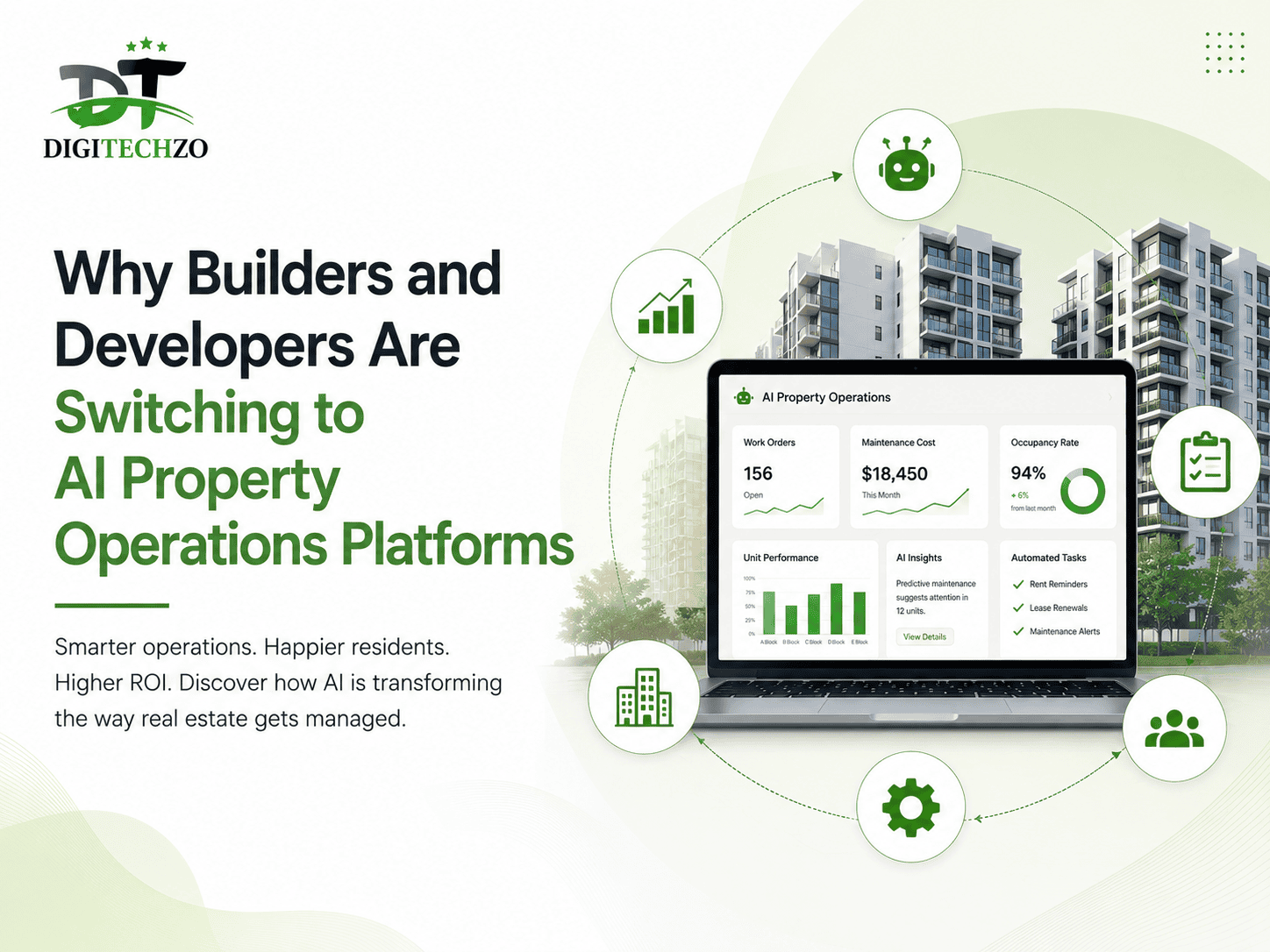
If you manage construction handoffs, post-sale service requests, or multi-project property operations, you already know the real cost of doing it manually: missed SLAs, scattered spreadsheets, angry homebuyers calling twice, and site teams chasing paperwork instead of building. This is exactly why a growing number of builders and developers are adopting an AI property operations platform for builders and developers — not as a nice-to-have, but as the operational backbone that keeps handovers, defects, and customer communication from falling apart at scale.
At digitechzo, we’ve spent the last few years inside the workflows of construction and real estate teams — watching where operations break, and where automation actually moves the needle versus where it’s just a shiny dashboard. This guide distills that experience into a practical, no-fluff breakdown of why this shift is happening, what to look for, and how to avoid the mistakes that sink most rollouts.
Quick Answer
An AI property operations platform centralizes construction-to-handover workflows — snagging, defect tracking, customer communication, and post-possession service — using automation and predictive intelligence instead of spreadsheets and manual follow-ups. Builders switch to these platforms because they cut handover-to-resolution time by 40–60%, reduce customer escalations, and give leadership real-time visibility across every project site. The right platform pays for itself within 2–3 projects through reduced rework, faster closures, and fewer legal disputes.
What Is an AI Property Operations Platform?
An AI property operations platform is software built specifically for the post-construction, pre- and post-handover lifecycle of a real estate project. Unlike generic project management tools (Trello, Asana, or even traditional ERP modules), these platforms are purpose-built around three things builders and developers deal with every day:
- Snagging and defect management — logging, assigning, and tracking issues from site inspection through resolution
- Handover and possession workflows — digitizing the checklist-heavy process of transferring a unit to a buyer
- Post-possession service and complaint management — managing the 1–5 year window where most customer friction happens
The “AI” part isn’t marketing dressing. In a functioning platform, AI is doing specific jobs: auto-categorizing defect photos, predicting which units are likely to generate repeat complaints, routing tickets to the right vendor based on historical resolution speed, and flagging SLA breaches before they happen instead of after a customer complains.
How This Differs From Traditional Facility or Project Management Software
Traditional tools were built for either construction scheduling (pre-handover) or facility maintenance (long after handover). The gap in between — the messiest, most customer-facing part of a project — was left to WhatsApp groups, Excel trackers, and phone calls. Property operations platforms exist specifically to close that gap.
Why the Old Way Is Breaking Down
Ask any operations head at a mid-to-large builder what their biggest operational headache is, and you’ll hear some version of the same answer: visibility. Not lack of effort — lack of visibility.
Here’s what typically breaks down without a centralized system:
- Snag lists live in someone’s phone or a paper checklist, so there’s no single source of truth across 200+ units
- Vendor accountability is invisible — nobody can say definitively how long a plumbing vendor takes to close a ticket on average
- Customers escalate to founders or sales heads because the support channel they were given (a phone number, an email) has no tracking or SLA behind it
- Legal and RERA-related disputes increase because there’s no timestamped, auditable trail of what was promised and when it was delivered
This isn’t a hypothetical. Industry data on residential real estate consistently shows that post-handover complaints — particularly around defects and delayed resolutions — are among the top drivers of customer dissatisfaction and negative reviews for builders, which in turn directly affects resale value perception and future project sales velocity. Operations problems don’t stay operational; they become brand and revenue problems.
Core Capabilities That Actually Matter
Not every “AI-powered” platform delivers real value. Based on what separates platforms that get adopted from ones that get abandoned after month two, here are the capabilities worth prioritizing.
1. Automated Snag and Defect Tracking
Site engineers should be able to log a defect with a photo in under 15 seconds, have it auto-tagged by category (electrical, civil, plumbing, finishing), and auto-assigned to the right contractor — without a project manager manually sorting a spreadsheet at the end of the day.
2. Predictive SLA and Escalation Management
Good platforms don’t just track SLAs — they predict breaches. If a defect ticket sits untouched for 70% of its allotted resolution window, the system should escalate it automatically, before the customer has to call.
3. Centralized Customer Communication
Every builder has felt the pain of a customer saying “I already told your team about this two weeks ago.” A unified communication log — tied to the unit, not the person who happened to answer the phone — eliminates this entirely.
4. Vendor Performance Analytics
Over time, the platform should tell you which vendors resolve tickets fastest, which ones generate repeat complaints, and where you’re bleeding money on rework. This is where AI genuinely earns its place — pattern recognition across thousands of tickets that no spreadsheet can surface manually.
5. Digitized Handover Checklists
Possession day is high-stakes and detail-heavy. Digital, app-based checklists with photo/video proof reduce disputes about “what was actually handed over” later.
Manual Process vs AI Platform: A Real Comparison
| Factor | Manual / Spreadsheet Process | AI Property Operations Platform |
|---|---|---|
| Defect logging time | 5–10 minutes per entry | Under 30 seconds with photo auto-tagging |
| Visibility across projects | Fragmented, site-by-site | Centralized, real-time dashboard |
| SLA tracking | Reactive (after complaint) | Predictive (before breach) |
| Vendor accountability | Anecdotal | Data-backed performance scoring |
| Customer escalation rate | High | Reduced by design |
| Audit trail for disputes | Weak or missing | Timestamped and exportable |
| Scalability across 500+ units | Breaks down quickly | Built for scale |
Real-World Use Cases
Scenario 1: A mid-sized developer with 3 simultaneous projects. Before adopting a platform, their ops team relied on WhatsApp for vendor coordination across sites. Defect resolution averaged 12–14 days, largely due to tickets getting lost in chat threads. After centralizing defect management, average resolution time dropped because tickets couldn’t silently disappear — every open item had an owner and a visible clock.
Scenario 2: A builder facing repeat complaints on a single tower. Manual tracking made it impossible to see the pattern. Once defect data was centralized and categorized, it became clear that 60% of complaints traced back to a single subcontractor’s waterproofing work — something no one could see when complaints were scattered across individual emails and calls.
Scenario 3: Handover season for 400 units in a single quarter. Paper checklists meant disputes about what was inspected and signed off. Digital handover with photo/video timestamps gave both the builder and the buyer a shared, indisputable record — reducing post-possession “you never told us” conflicts.
Pros and Cons of Switching
Pros
- Significant reduction in manual coordination overhead
- Real-time, project-wide visibility for leadership
- Stronger legal defensibility with audit trails
- Better vendor accountability and cost control
- Improved customer satisfaction and reduced churn on referrals
Cons
- Upfront setup and data migration effort
- Requires site-level team buy-in and training
- Not all platforms integrate cleanly with existing ERP/CRM systems
- Value takes 1–2 projects to fully materialize, not instant
How to Evaluate a Platform Before You Buy
Ask these questions during any vendor demo:
- Can site engineers use it with minimal training, on mobile, with poor network connectivity?
- Does it integrate with your existing CRM or ERP, or does it create a new data silo?
- Is the “AI” doing something specific (routing, prediction, categorization) or is it a label?
- Can you export a full audit trail for RERA or legal purposes?
- What does onboarding for 200+ units actually look like in week one?
Common Mistakes Builders Make
- Choosing a generic project management tool instead of a purpose-built property operations platform, then forcing it to fit a workflow it wasn’t designed for.
- Skipping site-team training, assuming the app is “self-explanatory” — adoption fails at the ground level, not the boardroom.
- Migrating only partial historical data, which breaks vendor performance analytics before they even start.
- Not defining SLAs before rollout — the platform can only enforce what you’ve actually configured.
- Treating it as a one-time IT project instead of an ongoing operational discipline with a dedicated owner.
Expert Tips for a Smooth Rollout
- Start with one project, not your entire portfolio. Prove the workflow before scaling across sites.
- Assign a single internal owner for the platform — shared ownership usually means no ownership.
- Digitize your existing SLA policy first, even informally, so the system has real rules to enforce from day one.
- Involve site engineers in tool selection, not just the corporate ops team — they’re the daily users, and their buy-in determines adoption.
- Review vendor performance data monthly, not just when a customer complains — the value of AI-driven analytics is in catching patterns early.
FAQs
Q1:What is an AI property operations platform used for?
It’s used to manage the construction-to-handover and post-possession lifecycle of real estate projects — including defect tracking, SLA management, vendor coordination, and customer communication — using automation to reduce manual overhead and delays.
Q2:How is this different from regular construction management software?
Construction management software focuses on pre-completion scheduling and budgeting. Property operations platforms focus on what happens after — handover, defects, and customer service — which is where most builder-customer friction actually occurs.
Q3:Is AI actually necessary, or is this just automation with a new label?
Genuine AI capability shows up in prediction (forecasting SLA breaches), pattern recognition (identifying recurring defect sources across a portfolio), and smart routing (assigning tickets based on vendor performance history) — not just digitizing a form.
Q4:How long does it take to see ROI from switching?
Most builders see measurable operational improvement within the first project cycle, with fuller ROI — including reduced legal disputes and vendor cost savings — typically visible across 2–3 projects.
Q5:Can small or mid-sized builders benefit, or is this only for large developers?
Mid-sized builders often benefit fastest, since they still have room to build clean processes from scratch, without decades of legacy manual workflows to unwind.
Final Thoughts
The shift toward AI property operations platforms isn’t about chasing a trend — it’s a direct response to a problem builders have quietly absorbed for years: post-handover operations were never built to scale. Spreadsheets and phone calls worked when you had 20 units. They collapse at 200.
If you’re evaluating whether this shift makes sense for your own projects, the honest answer is: it depends on how much operational chaos you’re willing to keep absorbing manually. Teams at digitechzo work with builders and developers to map out exactly where their current process is leaking time, money, and customer trust — and where a purpose-built platform would actually move the needle versus adding another tool to ignore.
Want a clear-eyed assessment of your current property operations workflow? Reach out to digitechzo for a no-obligation walkthrough of where automation would create the most impact for your projects.
About The Author