Picture your best employee. Now imagine they never call in sick, never miss a follow-up email, never forget to update a spreadsheet, and work three shifts back-to-back without a single complaint. That’s not a hiring fantasy anymore — it’s what companies are quietly building right now using AI employee solutions.
Most businesses are still stuck asking “should we hire another person or buy another tool?” That’s the wrong question in 2026. The real question is which repetitive tasks should never have needed a human in the first place. At Digitechzo, we help businesses identify exactly that — and build AI systems that handle the repetitive 60–70% of daily operations so human teams can focus on judgment, relationships, and growth. This guide breaks down what AI employee solutions actually are, how they work in practice, where they deliver real ROI, and how to avoid the costly mistakes we see companies make when adopting them.
Quick Answer
AI employee solutions are software-based digital workers — chatbots, AI agents, and automation systems — that handle repetitive, rule-based, or data-heavy business tasks like customer support, data entry, scheduling, and follow-ups, typically at a fraction of the cost of a full-time hire. The businesses winning with them in 2026 aren’t replacing entire teams; they’re replacing specific repetitive workflows and redeploying human staff toward higher-value work.
What Are AI Employee Solutions, Exactly?
An AI employee solution is a purpose-built AI system — often called a “digital worker” or “AI agent” — assigned to own a specific, repeatable job function rather than just answer one-off questions. Unlike a basic chatbot that responds to prompts, an AI employee is configured with:
- A defined role (e.g., “handle inbound customer support tickets” or “qualify inbound sales leads”)
- Access to business systems (CRM, helpdesk, calendar, inventory database)
- Decision-making rules or trained judgment for when to act independently vs. escalate to a human
- Memory and context across interactions, so it doesn’t treat every conversation as the first one
The distinction matters. A chatbot answers questions. An AI employee does the job — it books the meeting, updates the CRM, sends the invoice, and flags the exception that needs a human.
AI Employees vs. AI Tools: The Key Difference
Most companies already use AI tools — grammar checkers, image generators, transcription software. Those are assistive tools a human operates. AI employee solutions are autonomous — they own an outcome and work independently within defined boundaries, checking in only when something falls outside their authority.
Why 2026 Is the Tipping Point
Three forces have converged to make this the year AI employee adoption moved from early-adopter experiment to mainstream operating strategy:
- Labor costs continue climbing across support, sales development, and back-office roles, while the tasks themselves haven’t gotten more complex — just more expensive to staff.
- AI agent reliability crossed a usability threshold. Earlier chatbot-era tools hallucinated too often for real operational use. Current-generation AI agents, backed by better tool-use and retrieval capabilities, can reliably execute multi-step workflows with human oversight.
- Integration friction dropped sharply. AI employee platforms now plug directly into common business software (CRMs, helpdesks, ERPs) instead of requiring custom-built pipelines, cutting deployment timelines from months to weeks.
The result: functions that were automation-resistant even two years ago — nuanced customer support, lead qualification, appointment scheduling with negotiation — are now realistic candidates for AI ownership.
Core Types of AI Employee Solutions
1. Customer Support AI Agents
Handle inbound tickets, chat, and email — resolving common issues instantly and routing complex cases to human agents with full context already attached, instead of a bare handoff.
2. Sales Development (SDR) AI Agents
Qualify inbound leads, answer product questions, book discovery calls, and follow up on cold leads on a persistent cadence human reps rarely maintain consistently.
3. Back-Office and Data Entry AI Agents
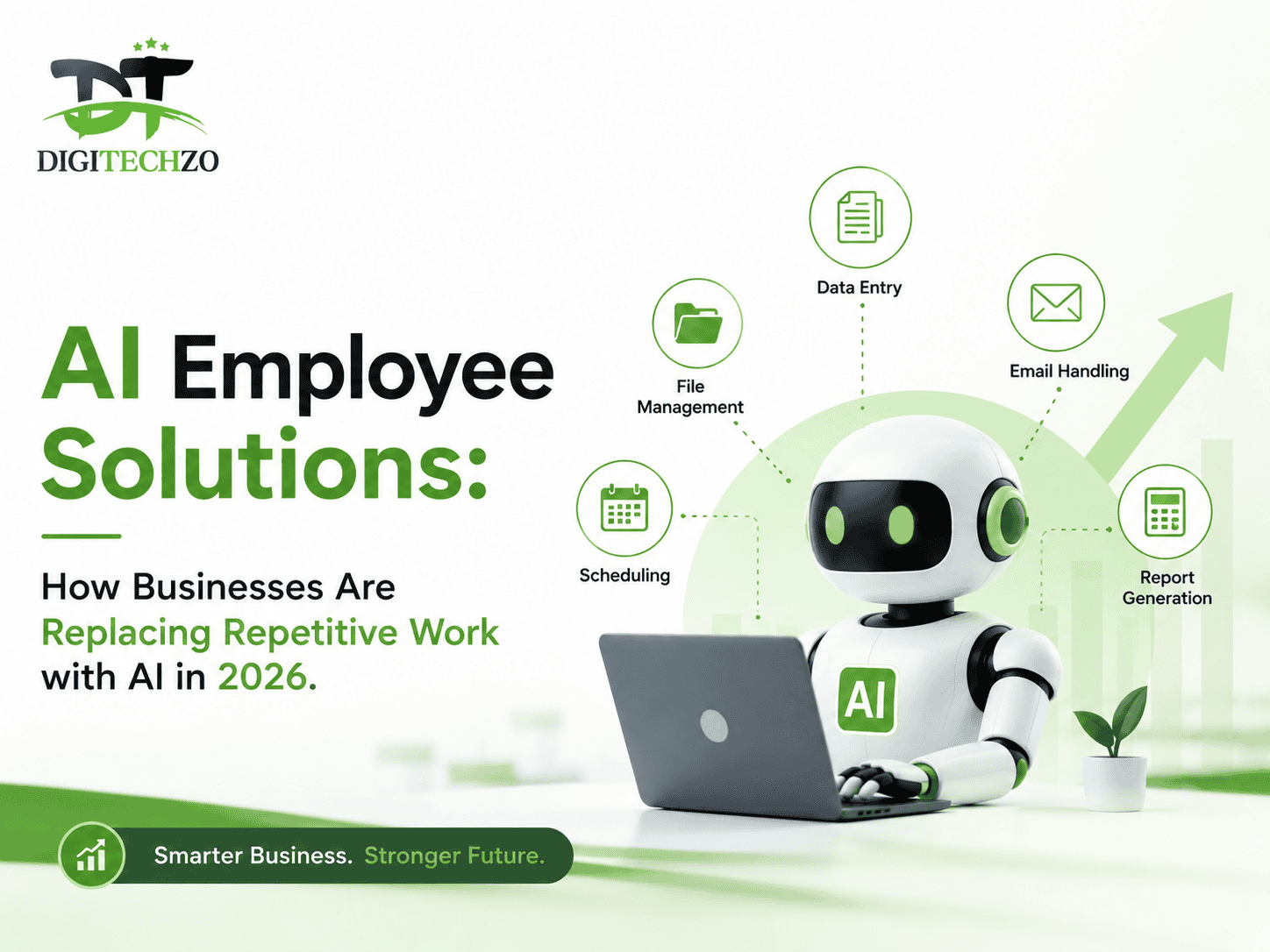
Process invoices, reconcile records across systems, update databases, and flag discrepancies — the highest-volume, lowest-visibility work in most companies, and often the easiest first deployment.
4. HR and Recruiting AI Agents
Screen resumes against role criteria, schedule interviews across multiple calendars, and answer candidate FAQs, reducing time-to-hire without adding recruiting headcount.
5. Operations and Scheduling AI Agents
Coordinate logistics, manage appointment calendars, send reminders, and handle rescheduling — particularly valuable for service businesses with high booking volume.
Real-World Use Cases by Department
Customer Support Example: A mid-size SaaS company deploys an AI support agent trained on its help documentation. It resolves the majority of tier-1 tickets (password resets, billing questions, feature how-tos) instantly, and routes only genuinely complex or emotionally sensitive cases to human agents — who now spend their time on issues that actually need empathy and judgment instead of repetitive answers.
Sales Example: An agency’s AI SDR agent handles every inbound demo request within seconds of form submission — asking qualifying questions, checking calendar availability, and booking the call automatically. Leads that would have gone cold waiting for a human rep to follow up the next morning get engaged immediately.
Back-Office Example: A logistics company uses an AI agent to reconcile shipping invoices against purchase orders. It flags mismatches for human review instead of requiring a staff member to manually cross-check hundreds of line items every week — cutting reconciliation time dramatically while catching errors humans regularly missed due to fatigue.
AI Employees vs. Human Employees vs. Traditional Automation
| Factor | Human Employee | Traditional Automation (RPA/Rules) | AI Employee Solution |
|---|---|---|---|
| Handles ambiguity | Yes | No — breaks on exceptions | Yes, within trained boundaries |
| Availability | Business hours | 24/7 | 24/7 |
| Cost structure | Salary + benefits | License + setup | Subscription, usage-based |
| Scalability | Linear (hire more people) | Limited to fixed rules | Near-instant scaling |
| Learns from context | Yes | No | Yes, with proper configuration |
| Best for | Judgment, relationships, strategy | Fixed, unchanging processes | Repetitive but variable tasks |
The key insight most articles miss: AI employees aren’t a replacement for traditional automation or human staff — they sit in the gap between them, handling work too variable for rigid RPA rules but too repetitive to justify a full-time human role.
Pros and Cons of AI Employee Solutions
Pros:
- Significantly lower cost per task than human labor for high-volume repetitive work
- Operates 24/7 without shift scheduling or overtime costs
- Scales instantly during demand spikes without a hiring cycle
- Reduces human error in repetitive data-handling tasks
- Frees skilled staff to focus on complex, relationship-driven work
Cons:
- Requires upfront setup, training data, and integration work
- Struggles with truly novel situations outside its trained scope
- Poor implementation can create a frustrating customer experience
- Ongoing monitoring and tuning needed to maintain accuracy over time
- Can raise workforce trust and change-management concerns internally
Common Mistakes Businesses Make
- Deploying an AI employee with no escalation path. If the AI can’t recognize when to hand off to a human, customers get stuck in a loop — the fastest way to destroy trust in the system.
- Automating a broken process. If your current workflow is inefficient, an AI employee will execute that inefficiency faster, not fix it. Fix the process first, then automate it.
- Treating it as “set and forget.” AI employees need ongoing performance review — tracked resolution rates, escalation accuracy, and customer satisfaction — just like a human employee’s first 90 days.
- Skipping internal communication. Rolling out AI employees without explaining the plan to staff creates fear and resistance. Position it as removing repetitive work, not replacing people, and back that up with real redeployment plans.
- Choosing generic AI over role-specific configuration. An AI agent trained broadly on “customer service” without your specific policies, tone, and edge cases will underperform badly compared to one built around your actual operations.
Expert Tips for Successful Implementation
- Start with your highest-volume, most repetitive workflow — not your most complex one. Early wins build organizational trust for wider rollout.
- Define clear escalation rules from day one. Decide explicitly what the AI can decide alone versus what always goes to a human.
- Track a baseline before deployment — current handling time, cost per task, error rate — so ROI is measurable, not anecdotal.
- Review AI decisions weekly during the first 60–90 days. Treat this like onboarding a new hire, with active coaching and correction.
- Give the AI real context, not just scripts — your policies, product details, and common edge cases, so responses feel accurate and specific rather than generic.
- Redeploy, don’t just cut. The businesses getting the most value move displaced staff into higher-value roles (complex support, relationship management, strategy) rather than treating adoption purely as headcount reduction.
How to Calculate ROI Before You Invest
Before committing budget, run this simple framework:
- Current cost per task = (hourly wage + overhead) ÷ tasks completed per hour
- AI cost per task = (subscription/usage cost) ÷ tasks the AI can complete per hour
- Volume multiplier = how much task volume increases once response time drops (faster response often increases conversion or resolution rates, not just cost savings)
- Escalation cost = cost of human review for the percentage of cases the AI hands off
The real ROI signal isn’t just “cost saved per task” — it’s the combination of cost reduction and the revenue or retention gained from faster, more consistent response times.
The Future of AI Employee Solutions Beyond 2026
Looking ahead, three shifts are already visible on the horizon:
- Multi-agent teams — instead of one AI employee handling one function, coordinated AI agents will hand off work between each other (a sales AI passing a qualified lead directly to an onboarding AI) with minimal human coordination needed.
- Outcome-based pricing models replacing flat subscriptions, where businesses pay based on resolved tickets or booked meetings rather than seat licenses.
- Deeper personalization and memory, allowing AI employees to build long-term context on individual customers or clients rather than treating each interaction as isolated.
Companies that build clean, well-documented processes and integrated systems now will be positioned to adopt these next-generation capabilities fastest — the same pattern seen with every major technology shift in business operations.
FAQs
Q: What exactly is an AI employee solution?
A: An AI employee solution is an autonomous AI agent assigned to own a specific business function — like customer support, lead qualification, or data entry — capable of completing tasks independently and escalating exceptions to a human when needed.
Q: Are AI employee solutions only for large companies?
A: No. Small and mid-size businesses often see the fastest ROI, since a single AI agent can absorb repetitive workload without the overhead of hiring, training, and retaining a full-time employee.
Q: Will AI employees fully replace human staff?
A: In most functions, no. AI employees handle repetitive, rule-based work well, but tasks requiring empathy, complex judgment, or relationship-building still perform best with human staff — the two work best combined.
Q: How long does it take to implement an AI employee solution?
A: A well-scoped single-function deployment (like a customer support agent trained on existing documentation) typically takes a few weeks, not months, when using integration-ready platforms rather than custom-built systems.
Q: How much does an AI employee solution cost compared to hiring?
A: Costs vary by provider and usage volume, but most AI employee solutions run on a fraction of a full-time salary, especially when factoring in benefits, training, and turnover costs associated with human hires for repetitive roles.
Conclusion
AI employee solutions aren’t about replacing your workforce — they’re about finally removing the repetitive work that was never a good use of your best people’s time in the first place. The businesses pulling ahead in 2026 are the ones treating this as a strategic redesign of how work gets done, not just a cost-cutting exercise.
If you’re ready to identify which workflows in your business are the best fit for an AI employee — and build a rollout plan that actually works — Digitechzo helps companies design and deploy AI employee solutions the right way, from process audit to full implementation. Get in touch to start with a free workflow assessment and see exactly where AI can start working for you.
About The Author