
AI Customer Service Automation: How to Deliver 24/7 Support Without Hiring More Staff
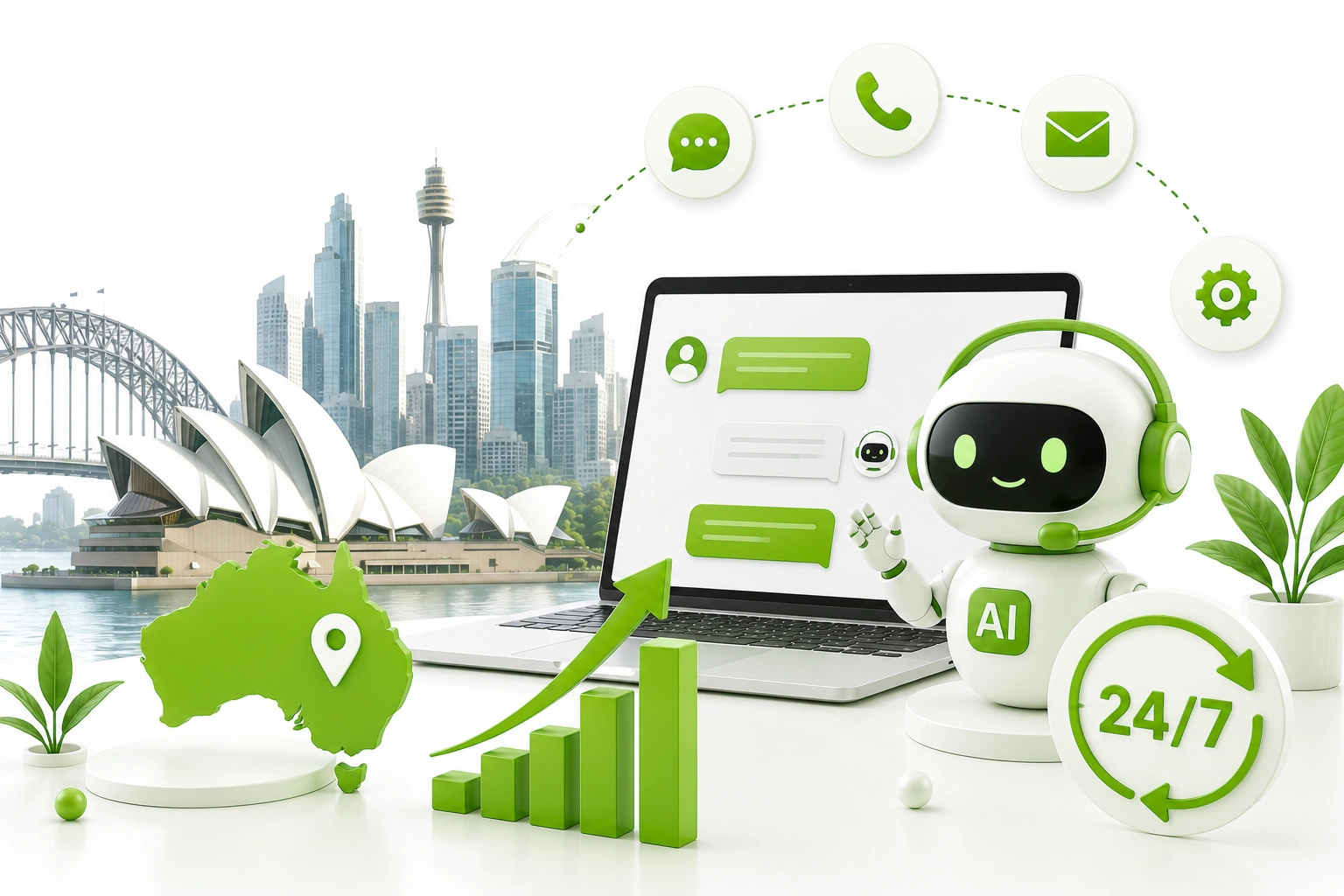
Your support team clocks off at 5pm. Your customers don’t. Somewhere between a Saturday afternoon shipping question and a Tuesday 2am login issue, every growing business hits the same wall: demand for support keeps climbing, but hiring another shift of staff to cover it doesn’t make financial sense. This is the exact gap AI customer service automation was built to close — not by replacing your team, but by handling the predictable, repetitive volume around the clock so your people only deal with the conversations that actually need a human.
Most businesses researching this topic get stuck choosing between two extremes: a basic chatbot that frustrates customers, or an expensive enterprise platform built for companies ten times their size. Neither is the right starting point, and almost no guide explains what sits between them.
At Digitechzo, we’ve helped service-led businesses map exactly where their support volume goes — which questions repeat endlessly, which ones genuinely need a human, and which sit somewhere in between — before recommending any tool. This guide breaks down how AI customer service automation actually works, what it costs, where it fails if implemented carelessly, and the framework we use to get 24/7 coverage live without adding headcount.
Quick Answer
“AI customer service automation combines AI chatbots, intelligent ticket routing, AI-assisted agent tools, and self-service knowledge bases to handle repetitive support volume around the clock. Most businesses that implement it properly resolve 40–70% of incoming enquiries without human involvement, while staff handle the remaining complex cases — typically achieved within 6–12 weeks for a well-scoped first deployment, without adding a single new hire.”
What Is AI Customer Service Automation, Exactly?

AI customer service automation is the use of artificial intelligence to handle, route, or assist with customer support tasks that would otherwise require a person to act manually. It’s broader than a chatbot — a chatbot is one component within a wider system that can include ticket triage, agent assistance, and self-service search.
What It’s Not: The Full-Replacement Myth
The most persistent misconception is that AI customer service automation means removing human support entirely. In practice, the strongest deployments follow a deflection model: AI absorbs the predictable, high-volume questions, and humans handle anything emotional, ambiguous, high-value, or genuinely novel. A business that tries to automate 100% of support almost always ends up with frustrated customers stuck in a loop — the goal is the right 50–70%, not all of it.
Why 24/7 Coverage Without Extra Hiring Is Now Realistic
Two things changed to make this achievable for ordinary businesses, not just large enterprises. First, large language models got dramatically better at understanding open-ended questions, so automation no longer means rigid scripts that break the moment a customer phrases something unexpectedly. Second, integration tools matured enough that connecting an AI layer to your helpdesk, CRM, and order system no longer requires a custom engineering team.
Gartner has predicted that conversational AI will become the primary support channel for a meaningful share of organisations within the next few years, and separate workplace research has repeatedly found that the majority of routine service enquiries follow a small number of recurring patterns — shipping status, account access, billing questions, and basic troubleshooting. That repetition is precisely what makes automation viable: you’re not asking AI to handle infinite variety, you’re asking it to handle the same handful of questions, accurately, at any hour.
The Cost Comparison Most Businesses Never Run
Consider a business fielding 1,500 support enquiries a month, where 60% are repetitive (order status, returns, basic how-to questions). Hiring even a part-time after-hours support person to cover evenings and weekends costs a real ongoing wage. Automating that same 60% removes the need for that hire entirely, while the remaining 40% — the complex, relationship-sensitive cases — still go to your existing team, who now handle them with far less interruption from repetitive tickets.
The Building Blocks: Core Technologies Behind AI Customer Service Automation

“AI customer service automation” isn’t one tool — it’s a stack. Understanding each layer helps you figure out where to start.
AI Chatbots and Virtual Agents
The customer-facing layer that answers questions directly on your website, app, or messaging channels. Modern versions are built on LLMs and can hold genuinely conversational exchanges rather than forcing customers through rigid menus.
Intelligent Ticket Routing and Triage
AI reads incoming tickets or emails, classifies their urgency and category, and routes them to the right team or person automatically — removing the manual sorting step that delays response times even when a human eventually handles the case.
AI-Assisted Agent Tools (Copilots)
Rather than replacing agents, these tools sit beside them — suggesting responses, summarising long ticket threads, and surfacing relevant knowledge base articles in real time so a human resolves cases faster without typing every word from scratch.
AI-Powered Self-Service and Knowledge Search
Instead of a static FAQ page, AI search understands a customer’s actual question and surfaces the right help article, even when their wording doesn’t match the article’s title — reducing tickets before they’re ever created.
Voice AI and Intelligent IVR
For businesses still handling significant phone volume, voice AI can answer routine calls, collect information before handoff, or resolve simple requests entirely by voice, cutting hold times without adding phone staff.
Comparing the Core Tools
| Tool | Primary Job | Typical Cost Range (AUD/mo) | Best Starting Point For |
| AI chatbot | Direct customer conversations | $200 – $2,000+ | High website/chat enquiry volume |
| Ticket triage AI | Classify and route tickets | $150 – $1,500 | Teams drowning in unsorted inboxes |
| Agent copilot | Assist human agents | $20 – $80 per seat | Teams with high ticket complexity |
| AI knowledge search | Power self-service | $100 – $1,000 | Businesses with large help content libraries |
| Voice AI/IVR | Handle routine calls | $300 – $3,000+ | High inbound call volume businesses |
How Much Time and Money Can You Actually Save?
Numbers matter more than promises here, so consider a realistic scenario rather than a hypothetical one.
Case Scenario: A Sydney-Based Subscription Box Business
A subscription retailer was receiving roughly 900 support tickets a month, with three recurring categories — delivery status, subscription pause/cancel requests, and billing questions — making up close to 65% of total volume. Before automation, two staff members spent the equivalent of three full working days a week just on these repetitive categories, on top of complex cases.
After deploying an AI chatbot connected to the shipping platform and subscription management system, the business resolved roughly 580 of those 900 monthly tickets without any human involvement, including outside business hours. Staff time previously spent on repetitive tickets dropped by the equivalent of more than two full working days a week, redirected toward retention conversations with customers considering cancellation — work that directly affects revenue, unlike status updates.
Build vs Buy vs Hire a Partner: Pros and Cons

Off-the-Shelf Helpdesk AI Add-Ons
- Pros: fastest to activate, often built into tools you already use (Zendesk, Intercom, Freshdesk)
- Cons: limited customisation to your specific products or policies, and conversation quality is generic
In-House Build
- Pros: full control over data, integrations, and conversation design
- Cons: requires AI and integration expertise most support teams don’t have, and takes far longer to launch
Hiring a Development or Automation Partner
- Pros: combines strategic scoping (what to automate first) with technical build and integration experience across past projects
- Cons: higher upfront investment than a plug-in add-on, and results depend on choosing a partner who scopes properly rather than selling a generic package
For most growing businesses, the smartest path is starting with an existing helpdesk’s native AI features for quick wins, then bringing in a specialist partner once you’re ready to build something tailored to your specific workflows and integrations.
A Step-by-Step Framework to Implement AI Customer Service Automation
- Audit your ticket volume by category — pull three months of support data and tag every ticket by type before deciding what to automate. You can’t prioritise what you haven’t measured.
- Identify your highest-volume, lowest-complexity categories — these are your first automation targets; resist the temptation to start with your hardest problem.
- Build the knowledge base before the bot — consolidate accurate, current policy and product information; an automation is only as reliable as what it’s trained on.
- Design the escalation path first — decide exactly when and how a conversation hands off to a human before building a single automated flow.
- Pilot on one channel — launch on your highest-volume channel (usually web chat or email) before expanding to others like WhatsApp or voice.
- Monitor deflection rate and customer sentiment weekly — track what percentage of tickets the AI resolves without escalation, and watch for sentiment dips that signal a broken flow.
- Expand category by category — add new ticket types once the first ones are performing reliably, rather than automating everything in one launch.
Industries Getting the Most Value from AI Customer Service Automation
- E-commerce and retail — order tracking, returns, and delivery questions resolved instantly without a human checking a courier portal.
- SaaS and software — account access issues, billing questions, and basic troubleshooting handled through AI-assisted self-service.
- Subscription and membership businesses — pause, cancel, and renewal questions automated, freeing staff for retention-focused conversations.
- Financial services — balance checks, transaction queries, and general product questions automated, with anything resembling advice escalated to a licensed professional.
- Healthcare and allied health — appointment scheduling and pre-visit logistics automated, with clinical questions always routed to a person.
Common Mistakes Businesses Make With AI Customer Service Automation
- Trying to automate everything on day one — ambitious, all-channel launches fail more often than focused, single-category pilots.
- No visible path to a human — customers who feel trapped by a bot churn faster than customers who never had one.
- Treating the knowledge base as a one-time task — outdated policies or pricing produce confidently wrong answers that erode trust quickly.
- Ignoring tone and brand voice — a bot that sounds robotic or overly formal compared to your brand creates a jarring, low-trust experience.
- Never reviewing failed conversations — the tickets the AI couldn’t resolve are the most valuable data you have for improving it, yet most businesses never look at them.
Expert Tips for Getting AI Customer Service Automation Right
- Start with your top 5 ticket categories, not your whole inbox — narrow scope produces faster, more reliable wins than trying to cover every possible question.
- Write escalation triggers around sentiment, not just keywords — a frustrated tone should hand off to a human even if the words used don’t match an obvious escalation phrase.
- Let customers know they’re talking to AI — transparency builds more trust than trying to disguise it, and it sets realistic expectations for what the bot can do.
- Review transcripts weekly for the first month — early review catches knowledge gaps and tone issues before they affect hundreds of customers.
- Treat deflection rate as your north star metric — it ties automation directly to staff time saved, which is the number that justifies the investment to leadership.
Frequently Asked Questions
What is AI customer service automation?
AI customer service automation is the use of artificial intelligence — including chatbots, ticket routing, agent copilots, and self-service search — to handle or assist with customer support tasks without requiring a human to manage every step manually, while still escalating complex cases to people.
Can AI really provide 24/7 customer support?
Yes, for the categories of enquiries it’s properly trained on. AI doesn’t get tired, doesn’t need shift coverage, and can resolve repetitive questions like order status or account access at any hour. Complex, emotional, or unusual cases should still escalate to a human, even outside business hours if your team supports that.
How much does AI customer service automation cost?
Costs range from under $500 a month for an AI add-on within an existing helpdesk platform to $30,000 or more for a custom-built system with deep integrations across CRM, billing, and logistics platforms. Most small-to-medium businesses see meaningful results starting in the $500–$3,000 monthly range.
Will AI customer service automation replace my support team?
In most realistic deployments, no. AI absorbs the repetitive, predictable share of enquiries, while staff handle complex, high-value, or emotionally sensitive cases. The common outcome is that existing staff become more effective and support quality improves, rather than headcount being cut outright.
How long does it take to implement AI customer service automation?
A focused first deployment covering two or three high-volume ticket categories typically takes six to twelve weeks, including data preparation, integration, and a monitored launch period. Broader, multi-channel rollouts covering voice, chat, and email together can take three to six months.
Conclusion: 24/7 Support Is a Workflow Decision, Not a Headcount Decision

The businesses winning on customer experience right now aren’t the ones with the biggest support teams — they’re the ones that figured out which questions don’t need a human and built a reliable system to handle them, at any hour, without anyone clocking on. That’s a deliberate, measurable decision about workflow design, not a budget problem solved by hiring.
If your business is fielding after-hours enquiries with no one watching, or your team is buried in the same handful of repetitive tickets every week, Digitechzo can map exactly where that volume is going and what a properly scoped automation deployment would look like before you spend a dollar on tools. Get in touch to start with a clear plan, not a guess.