
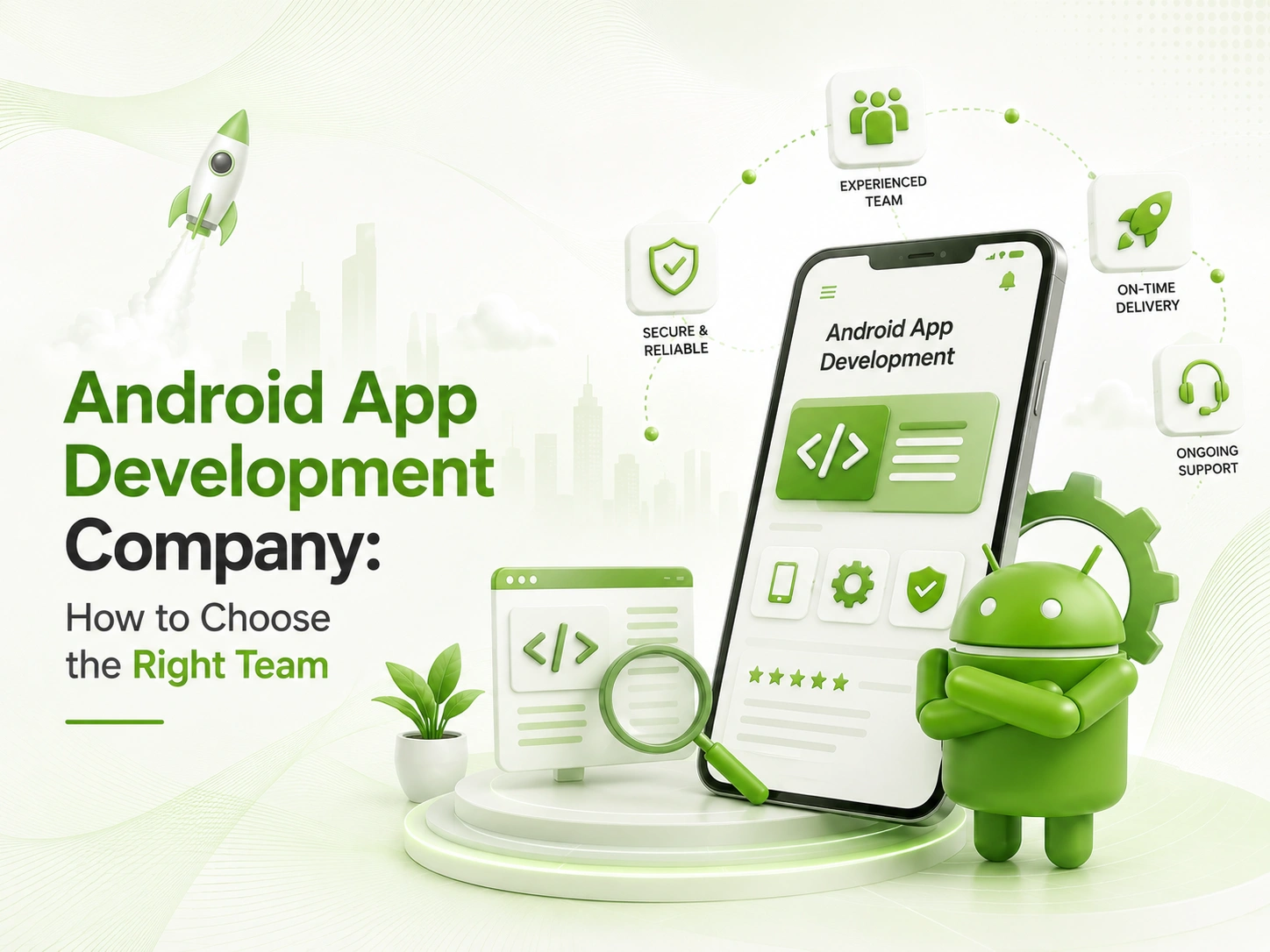
Search “top Android app development company” and you will get a list of fifty agencies that all claim the same five things: experienced team, on-time delivery, post-launch support, agile process, and a client-first approach. None of that tells you whether they can actually ship an app that survives Google Play’s review process, performs well across a $90 budget phone and a $1,200 flagship, and does not rack up a damaging crash rate within the first month.
Most founders comparing an Android app development company end up comparing portfolios and hourly rates, when the questions that actually predict project success are about device-testing strategy, Play Store policy experience, and how the team handles the hardware fragmentation that iOS developers never have to think about.
At Digitechzo, we have built and shipped Android apps across fragmented hardware, from budget devices in emerging markets to enterprise tablets, and sat through more than one Play Store rejection that taught us exactly what reviewers actually check. This guide gives you the evaluation framework, real cost ranges, and the Android-specific risks most comparison guides skip entirely, so you can choose a team that ships a stable app instead of a portfolio piece.
Quick Answer
“An Android app development company designs, builds, tests, and maintains apps for the Android ecosystem, which means handling device fragmentation, Google Play policy compliance, and performance across a far wider range of hardware than iOS requires. Choosing the right one comes down to four things: proven device-testing practices, Play Store submission experience, transparent native-versus-cross-platform guidance, and a clear post-launch support plan. Expect to budget $20,000 to $60,000 or more for a focused native Android MVP, with higher costs for cross-platform parity or enterprise features.”
What Does an Android App Development Company Actually Do?
An Android app development company is a software team that specializes in designing, building, testing, and maintaining applications for the Android operating system, using either native tools like Kotlin and Jetpack Compose or cross-platform frameworks like Flutter, while managing the device fragmentation and Google Play policy requirements unique to the Android ecosystem.
Core Services You Should Expect
- UI/UX design that follows Android’s Material Design guidelines, not a ported iOS layout
- Native development in Kotlin, or Java for legacy codebases
- Cross-platform development in Flutter or React Native, where it genuinely fits the project
- Backend and API integration
- Device compatibility testing across screen sizes, OS versions, and hardware tiers
- Google Play Store submission, policy compliance, and app store optimization
- Post-launch monitoring, including crash reporting and Android Vitals tracking
Native Android vs Cross-Platform: Why This Decision Comes First
Before you evaluate a single vendor, decide whether you genuinely need native Android development or whether a cross-platform framework serves your product better. This decision affects which companies you should even be talking to, since not every team that builds Flutter apps has deep native Android expertise, and not every native Android shop has solid cross-platform experience.
- Native Android (Kotlin): best when you need deep hardware access, top performance, or Android-exclusive features.
- Cross-platform (Flutter): best when you need to ship to iOS and Android simultaneously on a smaller budget, accepting some trade-offs in platform-specific polish.
Why Choosing the Right Android App Development Company Matters
Device Fragmentation: The Problem Most Vendors Underestimate
Apple ships a handful of device models each year. Android runs across thousands of device and OS version combinations, from a budget phone running an older Android release with 2GB of RAM to a flagship running the latest version with 12GB. An app that feels smooth on a developer’s test phone can crash, lag, or render incorrectly on devices that represent a meaningful share of your actual user base, especially in markets like India, Southeast Asia, and Latin America where budget devices dominate. A team without a real device-testing strategy, not just emulators, will ship problems you only discover from one-star reviews.
The Real Cost of Picking Wrong
We have been called in to fix Android apps that another vendor shipped with crash rates well past the threshold Google’s own Android Vitals guidance flags as a quality concern, a level that can suppress an app’s visibility in Play Store search results and, in repeated cases, trigger a policy review. By the time a founder notices ratings dropping, the damage to store ranking and user trust is already done, and rebuilding that trust takes far longer than rebuilding the code ever would.
How to Choose the Right Android App Development Company
Key Evaluation Criteria
- Live apps in the Play Store: ask for apps they shipped that are still live, with real reviews and an update history you can check yourself.
- Device-testing practice: physical device labs or services like Firebase Test Lab, not just emulator testing.
- Play Store policy experience: have they handled a policy rejection or suspension, and how did they resolve it.
- Native vs cross-platform honesty: do they recommend a stack based on your needs, or default to whatever they already know.
- Security practices: app signing key management, code obfuscation, and Play Integrity API use where relevant.
- Post-launch support terms: crash monitoring, OS update compatibility, and how quickly they patch issues.
Questions to Ask Before You Sign
- Can you show me three Android apps you’ve shipped that are still live and actively rated in the Play Store?
- What is your device-testing process, and do you test on physical devices across different price tiers?
- Have you ever had an app rejected or suspended by Google Play, and what did you do to resolve it?
- How do you decide between native Android and a cross-platform framework for a project like mine?
- What does your post-launch support cover, and how do you handle new Android OS version compatibility?
- Who owns the Play Console listing, signing keys, and source code once the project ends?
Android App Development Process: What a Credible Team Follows
- Discovery & Platform Strategy — defining features and deciding between native and cross-platform based on your actual requirements, not assumptions.
- UI/UX Design Following Material Design — designing interfaces that feel native to Android users rather than a ported iOS layout.
- Architecture & Tech Stack Selection — choosing Kotlin and Jetpack Compose, or a cross-platform framework, plus backend and database design.
- Development Sprints — building in short, demoable cycles with working builds you can install and test yourself.
- Device & Compatibility Testing — testing across a real spread of screen sizes, OS versions, and hardware tiers before launch.
- Play Store Submission & Compliance Review — preparing the store listing, privacy disclosures, and passing Google’s policy review.
- Post-Launch Monitoring & Updates — tracking Android Vitals, crash reports, and ANR rates, and shipping fixes quickly.
Android App Development Cost Breakdown
| Complexity Tier | Description | Typical Cost | Typical Timeline |
| Simple App | Single core feature, minimal backend, basic UI | $20,000–$40,000 | 8–12 weeks |
| Mid-Complexity App | Multiple features, backend/API, accounts, payments | $45,000–$90,000 | 12–20 weeks |
| Complex / Enterprise App | Offline support, hardware integrations, advanced security | $100,000–$200,000+ | 20–36+ weeks |
Building natively for both Android and iOS generally costs more than a single cross-platform codebase, since you are effectively funding two separate builds. Whether that extra cost is worth it depends on how much your app relies on platform-specific performance or hardware features.
Native Android vs Flutter vs React Native
| Framework | Performance | Best For | Watch Out For |
| Native Android (Kotlin) | Best available | Apps needing deep hardware access or top performance | Requires a separate codebase for iOS |
| Flutter | Near-native | Cross-platform apps prioritizing speed to market | Larger app size; occasional native-feature gaps |
| React Native | Good | Teams with existing JavaScript/React expertise | Performance overhead for graphics-heavy apps |
In-House vs Agency vs Freelance Android Developers
| Option | Cost | Speed | Risk | Best For |
| In-House Team | Highest ongoing cost | Slow to hire and ramp | Low once hired, high hiring risk | Long-term, multi-app roadmap |
| Android App Development Company | Mid-to-high, scoped | Fast start, predictable timeline | Low if properly vetted | A complete, accountable build |
| Freelancer(s) | Lowest upfront | Fast start, often slow to finish | High consistency and availability risk | Very small scope or short fixes |
Common Mistakes Founders Make When Hiring an Android Team
- Testing only on flagship devices or emulators: while ignoring how the app performs on the budget devices much of your user base actually carries.
- Porting an iOS design directly: instead of following Material Design conventions Android users expect.
- Ignoring Play Store policy until submission: causing late rejections that delay launch by days or weeks.
- Underestimating older OS support: older Android versions often still represent a meaningful share of active devices.
- Skipping offline planning: many Android markets have inconsistent connectivity, and apps that assume constant connectivity frustrate real users.
- No plan for new OS compatibility: failing to budget time for testing against new Android releases each year.
Expert Tips for a Successful Android App Build
- Request a device-testing matrix upfront: covering screen sizes, OS versions, and RAM tiers before development even starts.
- Use Play Console testing tracks: release to internal or closed testing groups before a full public launch.
- Build in crash monitoring from day one: tools like Firebase Crashlytics should be wired in early, not bolted on after launch.
- Plan your Play Store listing alongside development: treat app store optimization as part of the build, not an afterthought.
- Clarify signing key and Play Console ownership early: before the project starts, not after a dispute arises.
- Budget time for policy review cycles: Google’s review process can add days to your launch timeline, more for sensitive permission categories.
Frequently Asked Questions
What does an Android app development company do?
An Android app development company designs, builds, tests, and maintains applications for the Android operating system, handling UI/UX design, native or cross-platform development, device compatibility testing, Google Play Store submission, and post-launch support.
How much does it cost to build an Android app?
Costs typically range from $20,000 to $40,000 for a simple app, $45,000 to $90,000 for a mid-complexity app, and $100,000 to $200,000 or more for a complex app with offline support, hardware integrations, or enterprise security requirements.
Should I build a native Android app or use a cross-platform framework?
Native Android development, typically in Kotlin, makes sense when you need top performance, deep hardware access, or Android-exclusive features, while a cross-platform framework like Flutter works well when you need to launch on both iOS and Android quickly with a smaller budget.
How long does it take to build and launch an Android app?
Most Android apps take 8 to 20 weeks to build and launch depending on complexity, plus time for Google Play’s policy review process, which typically takes a few days but can extend if the app touches sensitive permissions or categories.
What causes Google Play to reject or suspend an app?
Google Play commonly rejects or suspends apps for policy violations such as misleading permission requests, deceptive functionality, inadequate privacy disclosures, or crash and ANR rates that exceed Google’s quality thresholds.
Conclusion: Choose for Stability, Not Just a Polished Portfolio
Choosing an Android app development company is not just about portfolio polish. It is about whether the team understands device fragmentation, takes Google Play’s policies seriously, and plans for the long tail of Android hardware your users actually carry. The framework and questions in this guide will filter out agencies that look good on paper but have never dealt with a Play Store suspension or a budget-device crash report.
If you are evaluating Android app development company options for your next build, Digitechzo brings real device-testing practices and Play Store submission experience to every project, from native Kotlin builds to cross-platform launches. Reach out for a scoping conversation, and you will get a clear, honest read on what your app actually needs before you commit to a vendor.